
ChatGPT
- Open GetSearchablePDF in ChatGPT's apps and select Connect.
- Sign in to your GetSearchablePDF account, or create one, and allow access.
- In a chat, attach a scanned PDF or image and ask, for example, “Make this PDF searchable.”
Claude
- In Claude, open Customize, then Plugins, find GetSearchablePDF and install it.
- Select Connect, sign in to your GetSearchablePDF account, and allow access.
- In a chat, ask “Make a PDF searchable.” The panel lets you choose the file.
To let Claude send an attached file itself, allow mcp.getsearchablepdf.com under Settings, Capabilities, Code execution and file creation, Network access.
In Claude Code: claude plugin marketplace add superdocsio/getsearchablepdf-claude-plugin, then claude plugin install getsearchablepdf@getsearchablepdf.
Pages and plans
The assistant uses the same page balance as this website. Each page that needs OCR uses one page; pages that already have text are free. If the balance runs out partway through a file, the pages it covers are converted, and the rest can be converted once the account has more pages.
Each plan includes pages every month and sets the largest file you can convert:
- Free: 10 pages to start, files up to 10 MB and 50 pages
- Starter: 250 pages a month, files up to 50 MB and 100 pages
- Pro: 1,000 pages a month, files up to 250 MB and 800 pages
- Business: 3,000 pages a month, files up to 400 MB and 1,500 pages
One-off packs of 250 or 1,000 pages add to any plan and never expire. While pack pages are left, files can be as large as on the Business plan.
In the assistants, files are also capped at 50 MB and 300 pages for now, whatever the plan. PDF, PNG and JPEG files are supported, up to 10 at a time. Plans and pages are managed in your account on getsearchablepdf.com.
Your files
- Only the files you attach or choose are sent to GetSearchablePDF.
- Files and their searchable versions are deleted after 60 minutes.
- Your files are never used for training.
See the privacy policy and terms of service.
Sample files
Fictional documents to try it with:
- Lease scan 2019.pdf: 3 scanned pages with no text. Every page goes to OCR.
- Annual report 2025.pdf: 40 pages, 6 of them scanned. Only those 6 go to OCR.
- Supply agreement 2009.pdf: An old scan with a garbled text layer. Shows Already searchable, then Run OCR anyway.
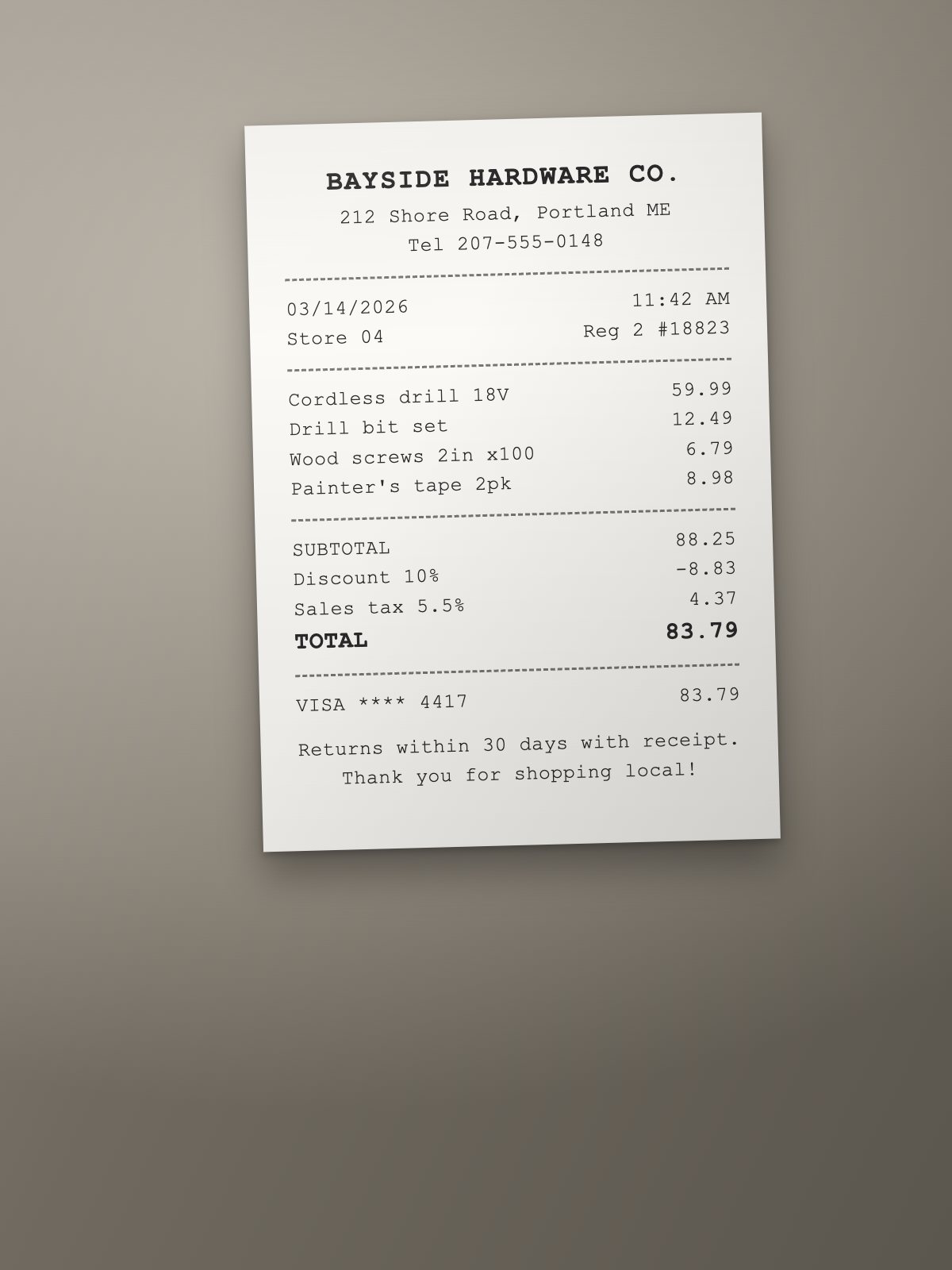
- Receipt photo.jpg: A phone photo that becomes a one-page searchable PDF.
Support
Email getsearchablepdf@gmail.com. GetSearchablePDF is made by Superdocs.